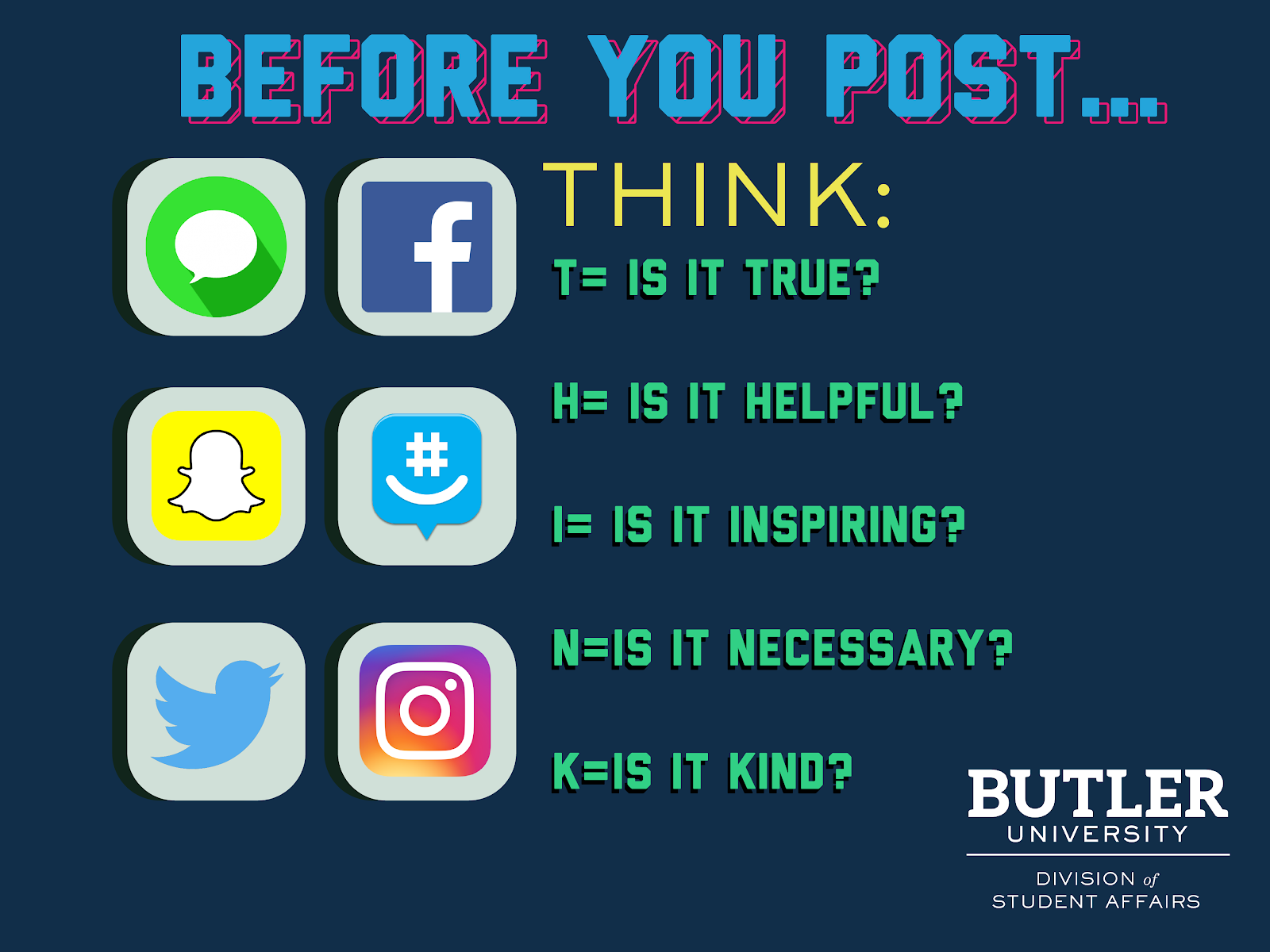
I guess (and maybe I am far from being right about it) most people I know belong to at least one family WhatsApp group. After seeing the image above, I immediately copied it and sent it to my group, with 18 members ranging from 18 to 60 years old. My family is spread worldwide: different cities in Venezuela, Chile, Panamá, the United States, Canada, and Portugal. Even when I decide to be selective about the content I consume on social media platforms and news outlets, that group can become a news center on its own. And it can be overwhelming. Especially these days.
Starting the day with the increasing number of Covid cases in 6 different countries, worrying about our political leaders’ good or bad decisions. Reading so much news and trying to decipher if it is true or not. “Warm weather could slow coronavirus.” “No vegetarian person in the world has been found to have coronavirus.” “Hot water would be enough to protect people from the virus”… Not fun at all. So we made certain agreements. We have to start the day with favorable phrases, quotes, and videos. That usually covers the helpful, inspiring, and kind part of THINK. We have to check the credibility of the information sources we share and their relevance to all group members. That covers the true and necessary elements.
WhatsApp has recently helped with this, as has Chrome.
You might have noticed that you can now only forward a message to a single person if it is identified as highly forwarded (sent through a chain of five or more people), to avoid the spread of misinformation related to the coronavirus pandemic.
In this link, WhatsApp offers detailed tips to help prevent the spread of rumors and fake news. Here is an executive summary:
- Understand when a message is forwarded.
- Check photos and media carefully.
- Look out for messages that look different.
- Check your biases.
- Fake news often goes viral.
- Verify with other sources.
Chrome is doing the same in its next update by adding a set of improvements related to security, safety, and privacy, and there is nothing you need to do besides keeping it updated. If you want to go further and add some extensions to help you recognize fake news and hoaxes, I suggest these:
On the academic side, at my school, we have a ton of WhatsApp groups: grade-level groups, Online Learning groups, T&L groups, the HS group, the MS group, the group for that field trip, the DSS group… As an EdTech Coordinator and a go-to person when tech support is needed, the number of groups can get out of hand fast, and it can be challenging to handle all of the requests. On a positive note, the admin decided to create yet another group, “ELT- our goal is joy,” but even if the 50 messages you get are complimentary, it is still time-consuming and can be a lot to process. Another option you can use to balance your busy professional life is changing your group privacy settings in WhatsApp. You have three options to choose who can add you:
- Everybody
- My Contacts
- My Contacts Except…
Going back to THINK, at my school we have created bulletin boards with messages related to “Think before you post,” at least in Middle School (sadly, I didn’t find any pictures). I have also seen this in many of our classrooms on laminated signs, but I don’t think it is enough. As a school, we should promote these initiatives starting in Elementary School, as kids get their own devices at early ages. For this to happen, we need to create awareness among the staff. Many of our staff members didn’t grow up with these issues, so we need to offer them training to get them ready to promote best practices with students.
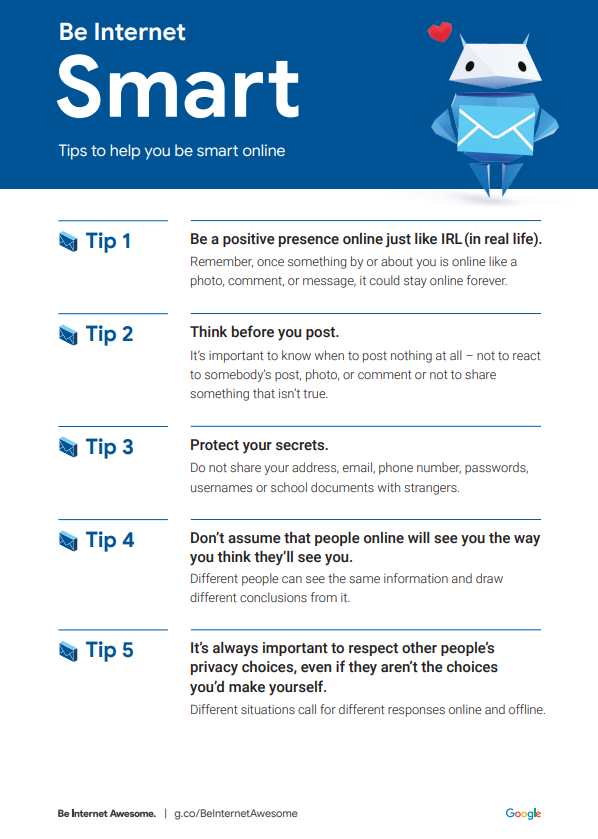
My best suggestion on where to start is Be Internet Awesome by Google. They have put together games and activities that make learning about digital safety and citizenship interactive and fun. Try it yourself, and then try implementing it at your school. Look at these beautiful signs, ready to be printed.
First published on my COETAIL blog on 30 May 2020, lightly edited for this site. Some of its images are not included here. Read the archived original.